> ## Documentation Index
> Fetch the complete documentation index at: https://docs.openbio.tech/llms.txt
> Use this file to discover all available pages before exploring further.
# Scientific Illustrations
> Generate publication-quality scientific figures and diagrams directly in OpenBio.
**What is a Scientific Illustration?**
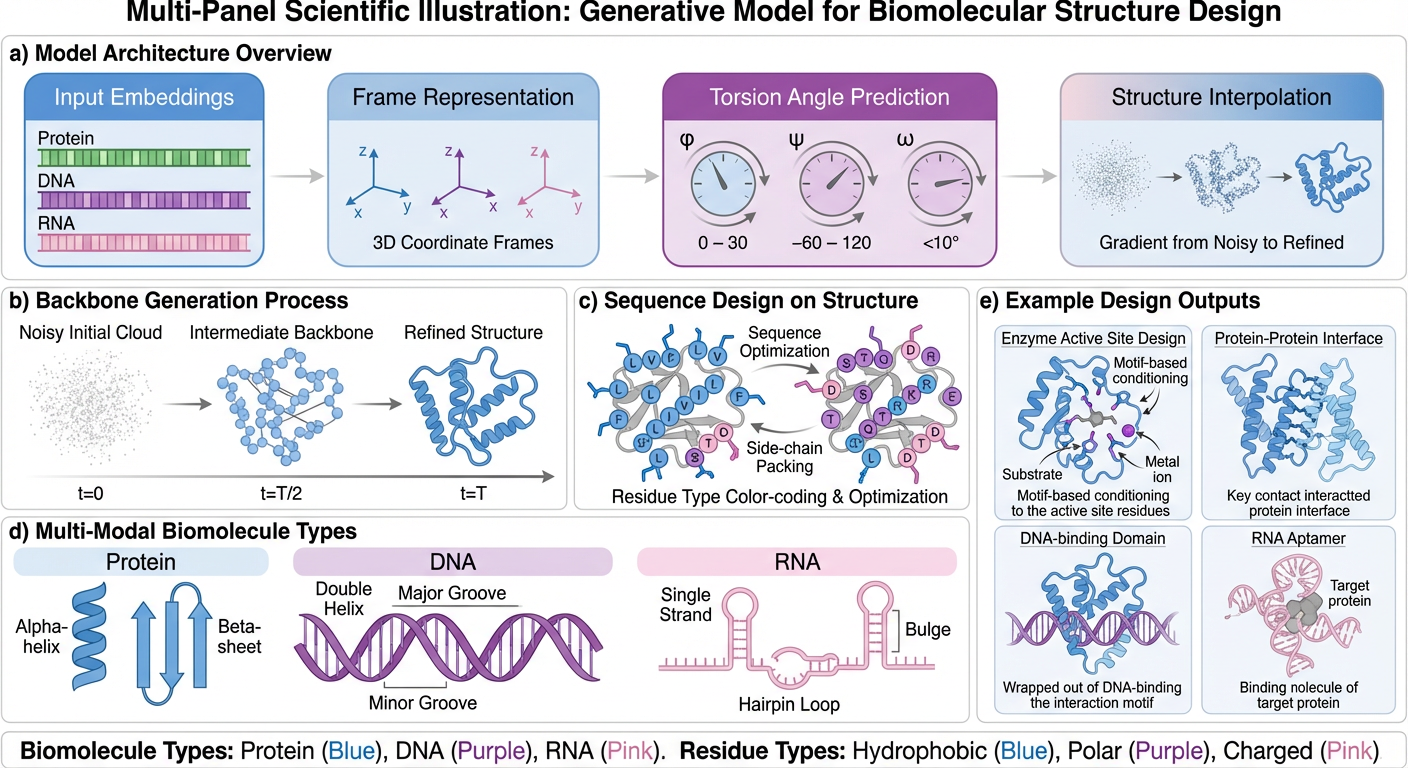
Scientific Illustration is your tool for creating accurate, publication-ready visuals from research inputs. It turns complex biological data, structures, and workflows into clear figures that are consistent, reproducible, and easy to interpret.
## Creating Illustrations
Ask OpenBio to create illustrations using natural language. Specify the type of diagram, elements to include, and visual style.
Examples:
* "Create a schematic of protein folding pathway"
* "Generate a cell signaling diagram showing EGFR activation"
* "Illustrate the CRISPR-Cas9 mechanism"
 ## Customization
Refine generated illustrations by requesting specific changes to layout, colors, labels, or detail level. Export as high-resolution PNG or SVG for publications.
## Use Cases
* Mechanism diagrams for research papers
* Protocol schematics
* Conceptual overviews for presentations
* Educational materials
## Customization
Refine generated illustrations by requesting specific changes to layout, colors, labels, or detail level. Export as high-resolution PNG or SVG for publications.
## Use Cases
* Mechanism diagrams for research papers
* Protocol schematics
* Conceptual overviews for presentations
* Educational materials